Nudge files to any
device. Same WiFi.
Instantly.
Open Nudge on two devices on the same network. Drag, drop, and nudge. No accounts. No cloud uploads. Files stream peer-to-peer directly between browsers.
SUPPORTED ON ALL BROWSERS & OS
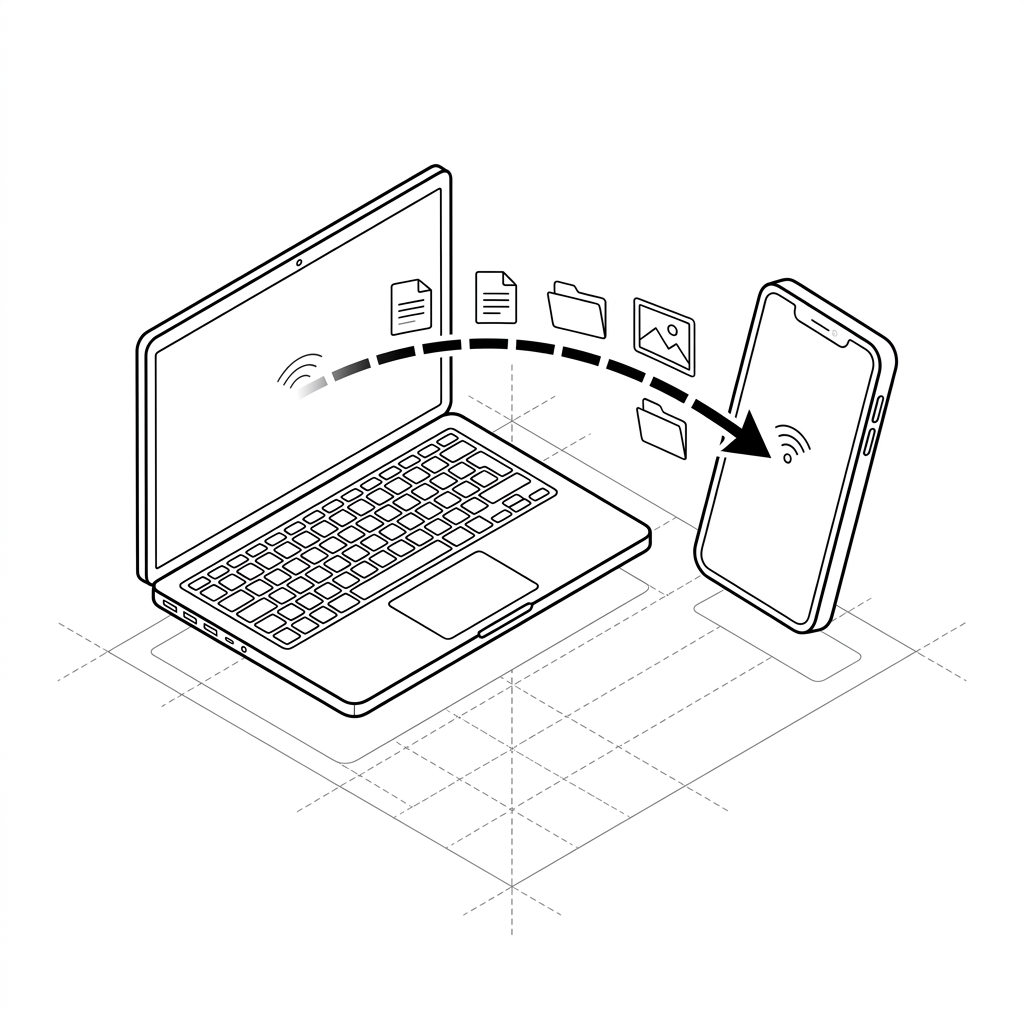
Nudge transfers files directly between browsers at local WiFi speed — zero cloud relay, zero account setup, zero latency.
Get connected in seconds.
Enter a code to join an existing room, or create your own named room for your team.
🔑 Join an existing room
✏️ Create a named room
The simplest way to move files between your devices.
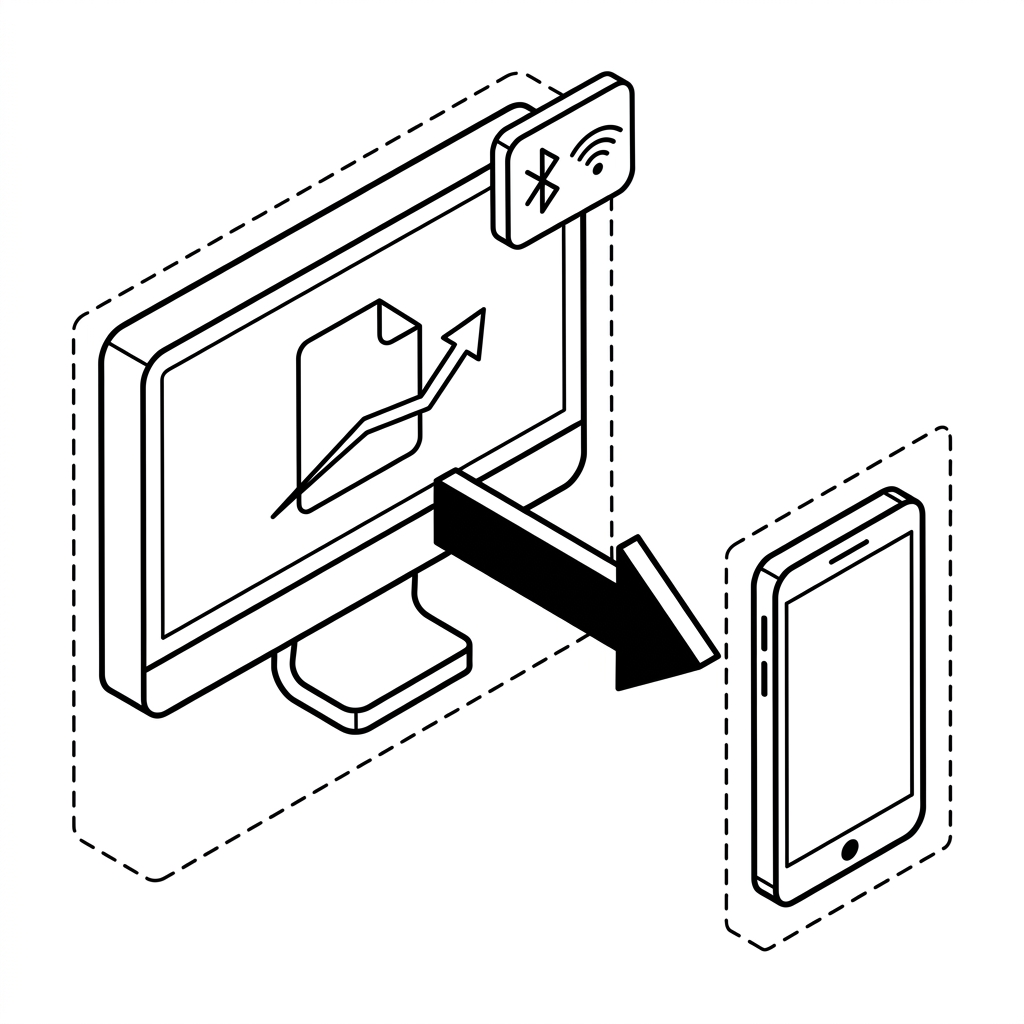
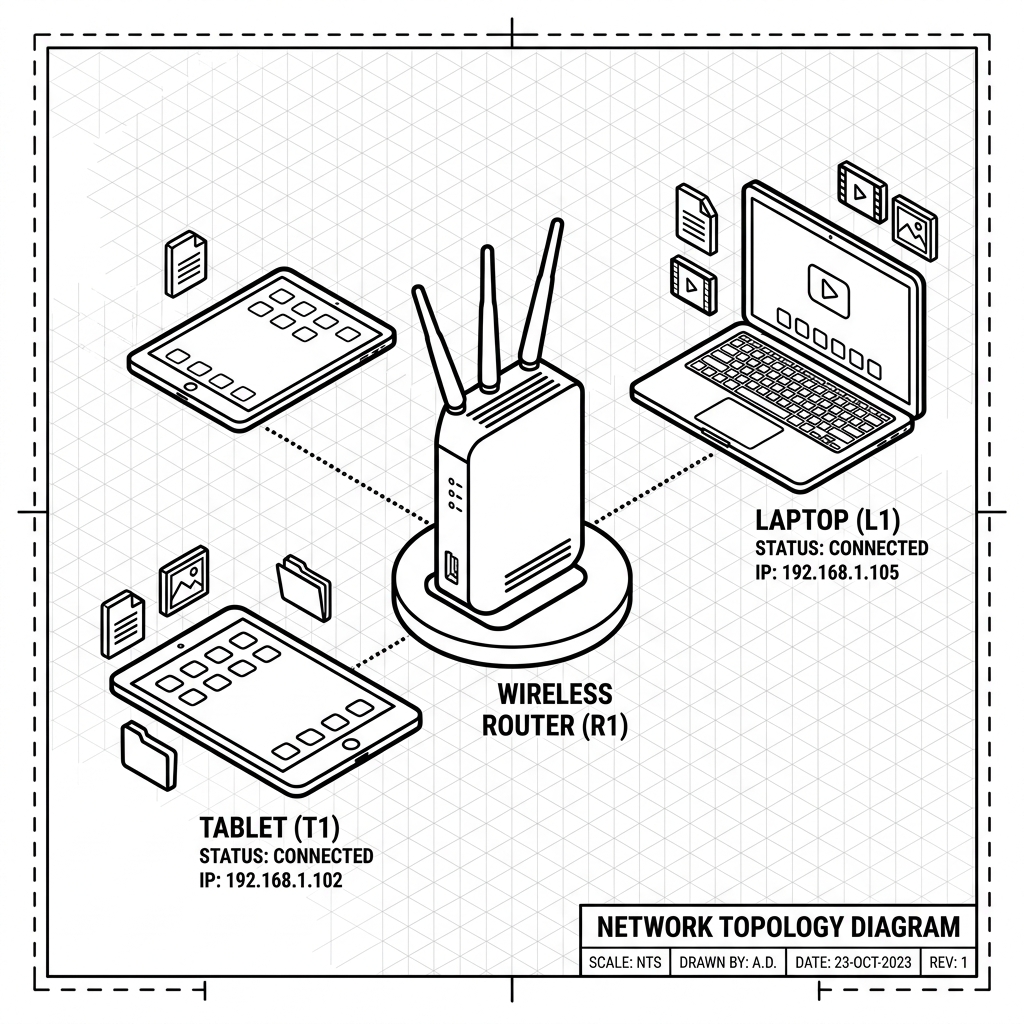
From demand to delivery.
Open Nudge
Go to the Nudge URL on your first device and click "Create a Room". You get a shareable code instantly.
Share the Code
Send the room code via any channel — chat, email, or just show the QR code. The other device opens the same link.
Transfer Instantly
Drop files, paste text, share links. Everything moves directly between your browsers at full WiFi speed.